Welcome back to The Agent GTM Newsletter where we share actionable tips, free AI tools, and market insights every Friday. |
Hey there,
You’ve probably seen the “Wrapped” trend by now. Spotify kicked it off. Then Granola (the AI meeting notes app) made one that went viral last week.
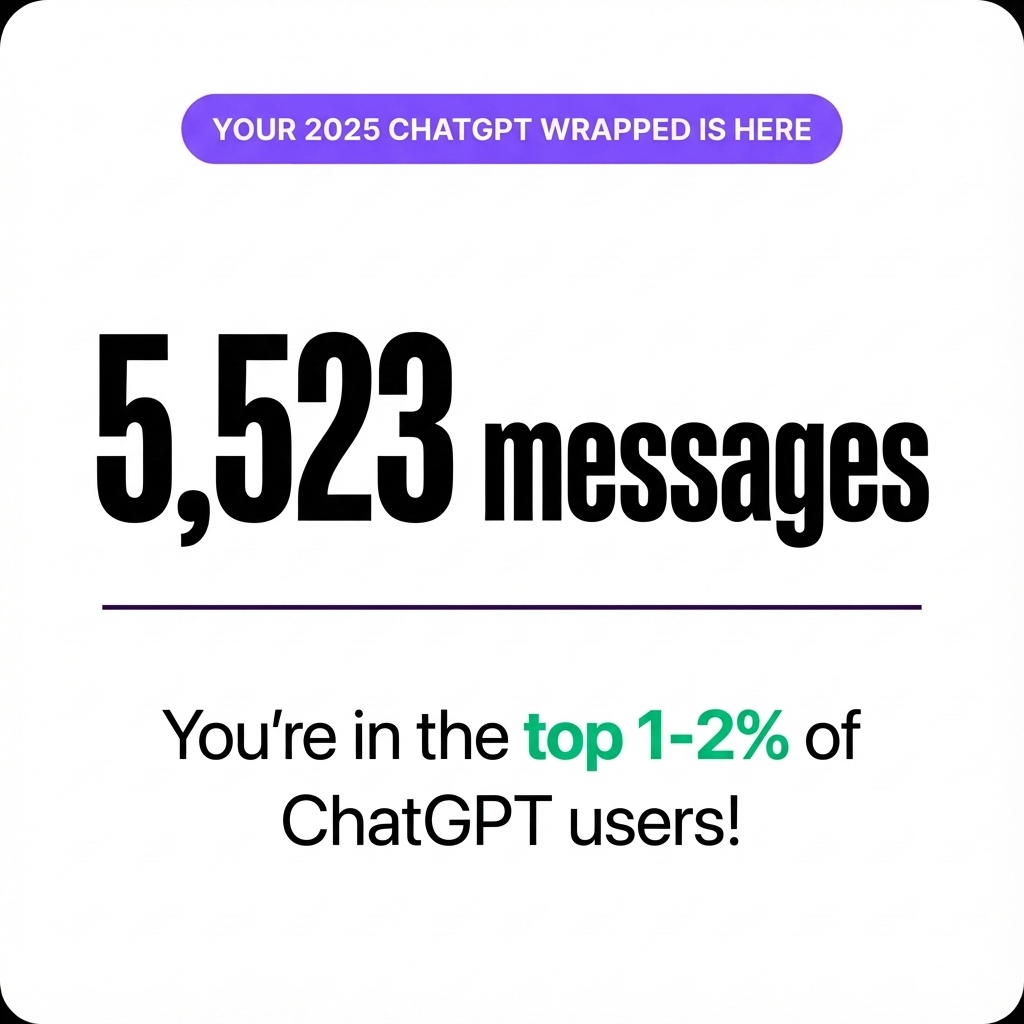
The formula works: take your usage data, find interesting patterns, make it shareable. So naturally, I wanted one for the tool I use most: ChatGPT. The problem? OpenAI hasn’t released one (yet). So I built my own.
What I learned about analyzing 5,523 messages
There are two logical approaches (that don't work):
Option 1: Just ask ChatGPT “Analyze my conversation history and give me insights.” Problem: ChatGPT can access your history, but it’s probably too much data to process meaningfully in a single context window.
Option 2: Download your ChatGPT data and upload the file to analyze it. Problem: My export was 130MB. Way too large for ChatGPT or Excel to handle.
What Actually Works
1. Export your ChatGPT data Settings → Data Controls → Export Data (OpenAI emails you a download link)
2. Process it locally with Python (full guide, scripts, etc. here). The Python script outputs clean stats that you can feed into your LLM of choice to help develop the story
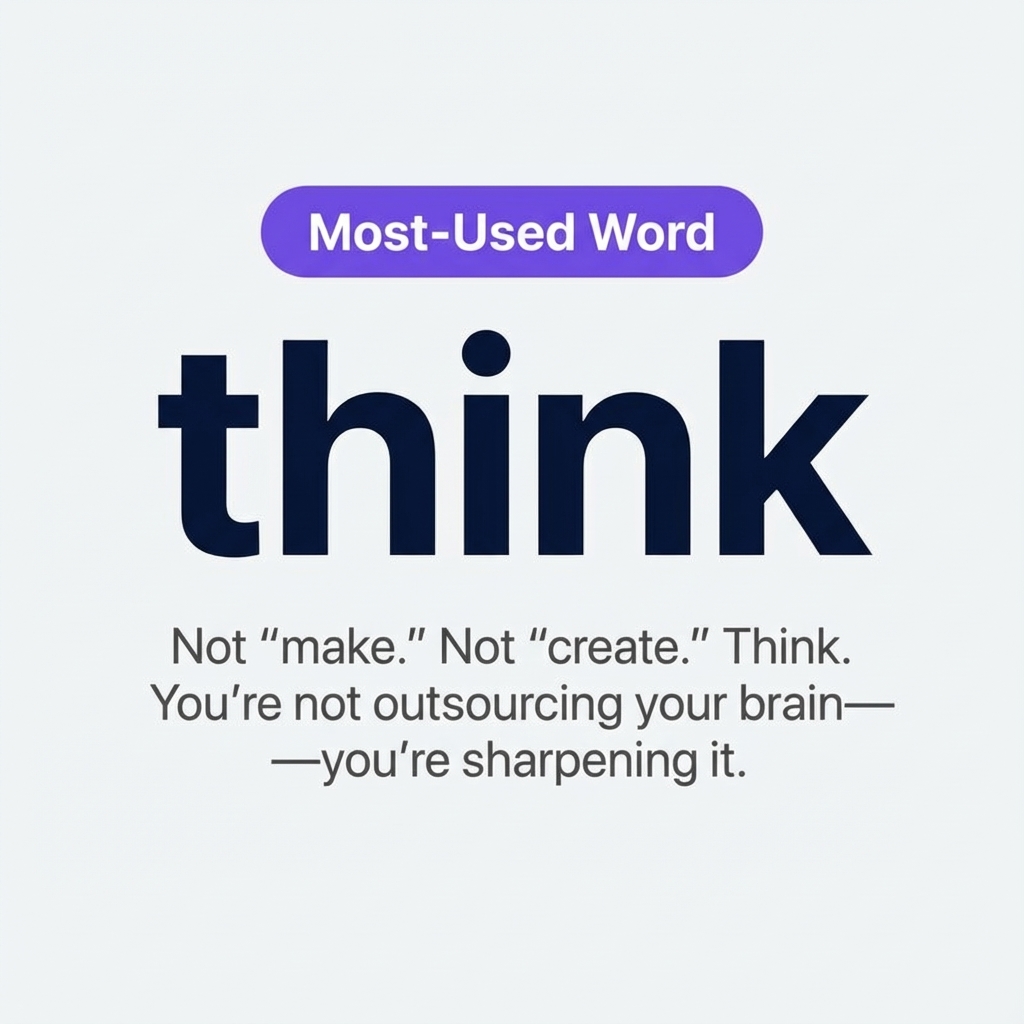
3. Generate visuals. I used Dharmesh Shah’s imagegen.ai to create the carousel slides.
4. Ship it!
Let me know what sorts of interesting themes you find in yours
More soon,
Shaalin